WindowsEQ_by_TMS
A downloadable tool for Windows
WindowsEQ applies a professional-grade equalizer to all audio on your PC — not just one app. Route your system audio through VB-Audio Virtual Cable (free), run WindowsEQ, and every sound that comes out of your speakers or headphones goes through the EQ chain.
Features
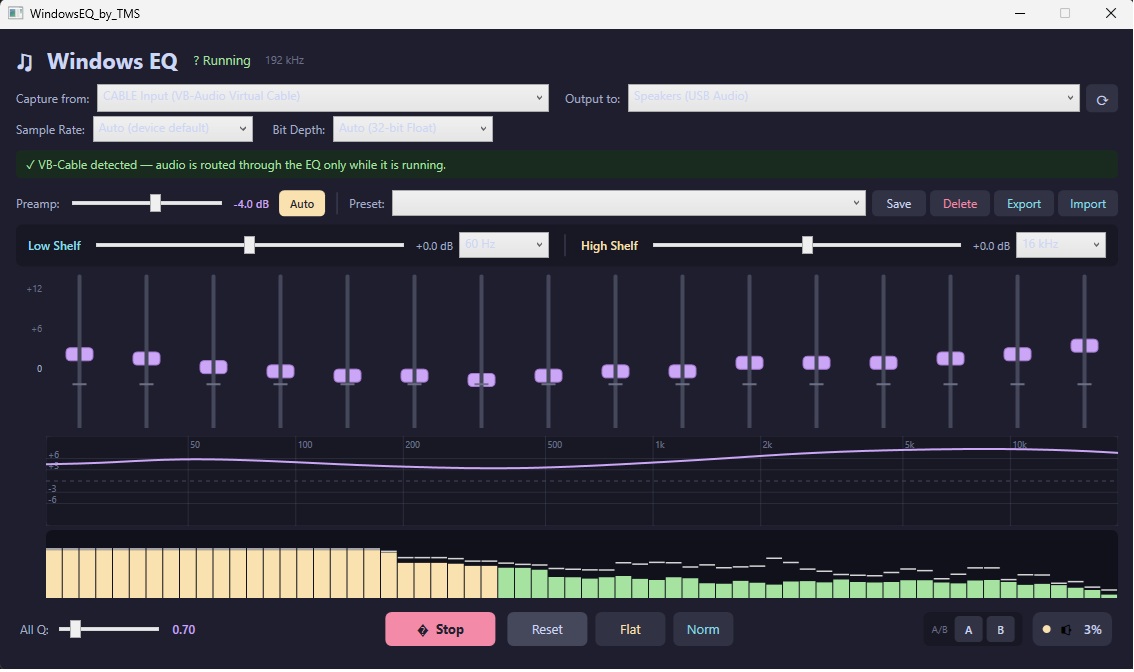
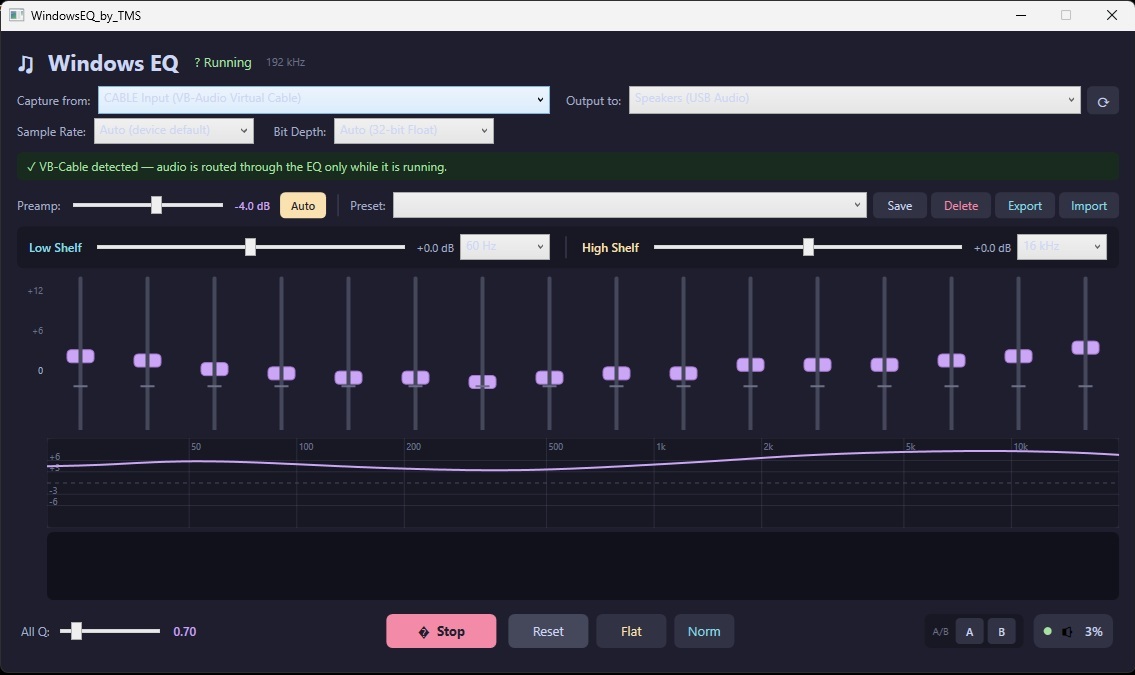
- 16-band graphic EQ — 25 Hz to 20 kHz, ±12 dB per band with independent Q control
- Low & high shelf filters — adjustable corner frequency and gain
- Real-time EQ curve graph — see the exact frequency response as you adjust
- 64-bar spectrum analyzer — live FFT with peak-hold markers
- Auto-preamp — watches for clipping and backs off gain automatically
- Soft-knee limiter — tanh-curve protection against digital distortion
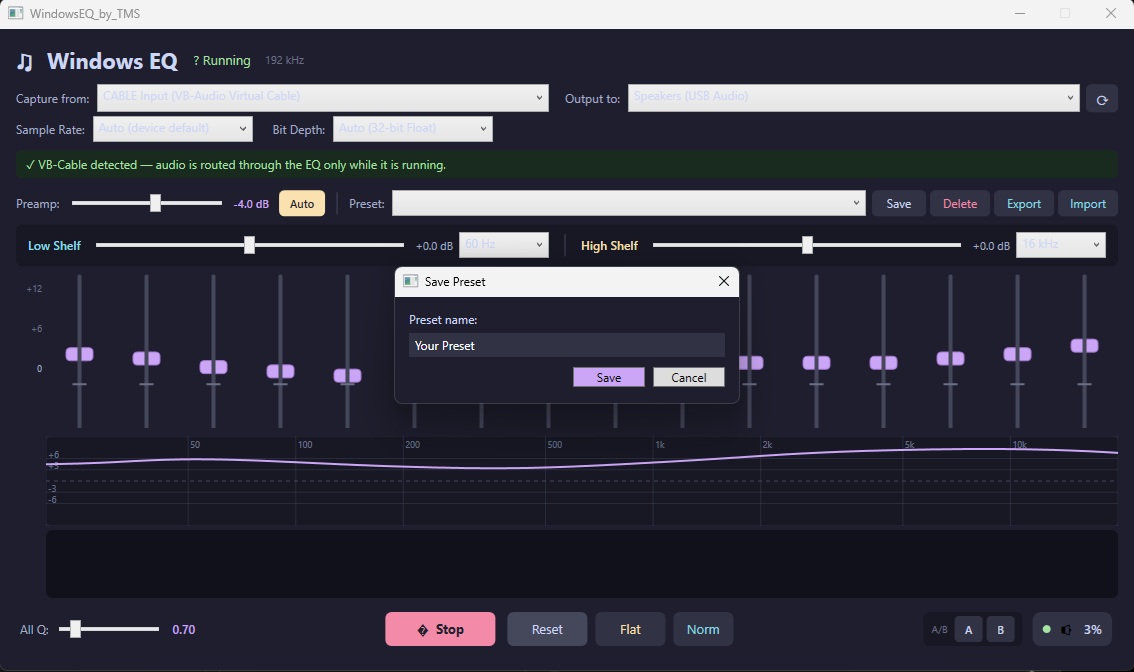
- Unlimited named presets — save, switch, export, and import .json preset files
- A/B comparison slots — instantly toggle between two settings snapshots
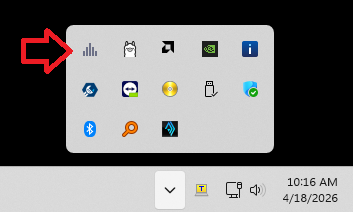
- Taskbar scroll-wheel volume — restores Windows 10-style scroll volume on Windows 11
- Run at startup — always-on EQ from boot, controlled from the system tray
- Update notifications — checks GitHub Releases and shows a banner when a new version is available
Requirements
- Windows 10 or 11 (64-bit)
- VB-Audio Virtual Cable — free download at vb-audio.com (the installer will prompt you if it's not found)
- No admin rights required for daily use
- No .NET install needed — fully self-contained
- Windows may say that it has protected you and try to stop the install. Ignore the message. It is just because of the digital signature.
Free — pay what you want
No telemetry. No ads. No account needed. Settings are stored locally in %AppData%\WindowsEQ.
Download
Click download now to get access to the following files:
Leave a comment
Log in with itch.io to leave a comment.